
Finally, full visibility over all your agent contracts.
Stop working in spreadsheets, email, and shared folders. HE Comply gives you instant visibility of your agent agreements, commissions, and bonus terms.
TRUSTED BY AGENCIES GLOBALLY:








PARTNER AGREEMENTS MANAGED TODAY:











What our agent users say
“What would have taken weeks is getting done in a fraction of the time.”
Rohit Jaishankar, Marketing Director
Campus Abroad Mauritius
“It’s a system I wish we had put in place years ago.”
Johan Setiawan, Director
Superstar Education
“An absolute no brainer.”
Jose de Andrade, CEO
Hello Australia
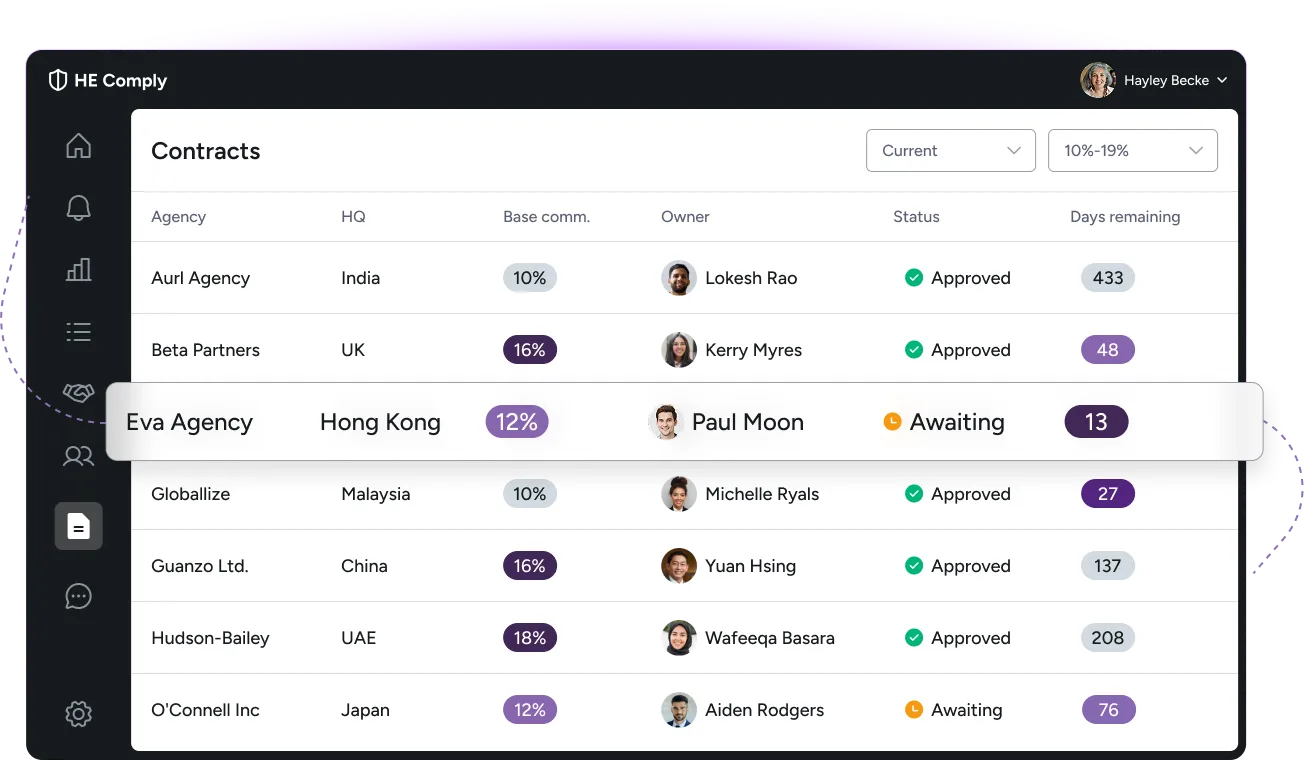
Know exactly what you're paying each agency
Every commission, bonus, and condition. Structured and easy to find. No more spreadsheets and human errors.

Approve and sign contracts in minutes
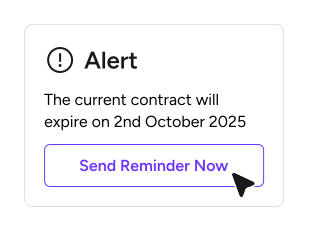
Issue new agreements or renew contracts inside HE Comply via integrated Docusign. Set approval flows to stay compliant.

Control who can see what
Decide who in your team can see contract data. Choose to co-manage agreements with your agent partners.
Simple to use
Built by ex-international recruitment leaders from the UK and Australia, HE Comply by Feezy is easy to set up, with no on-premise engagement required.
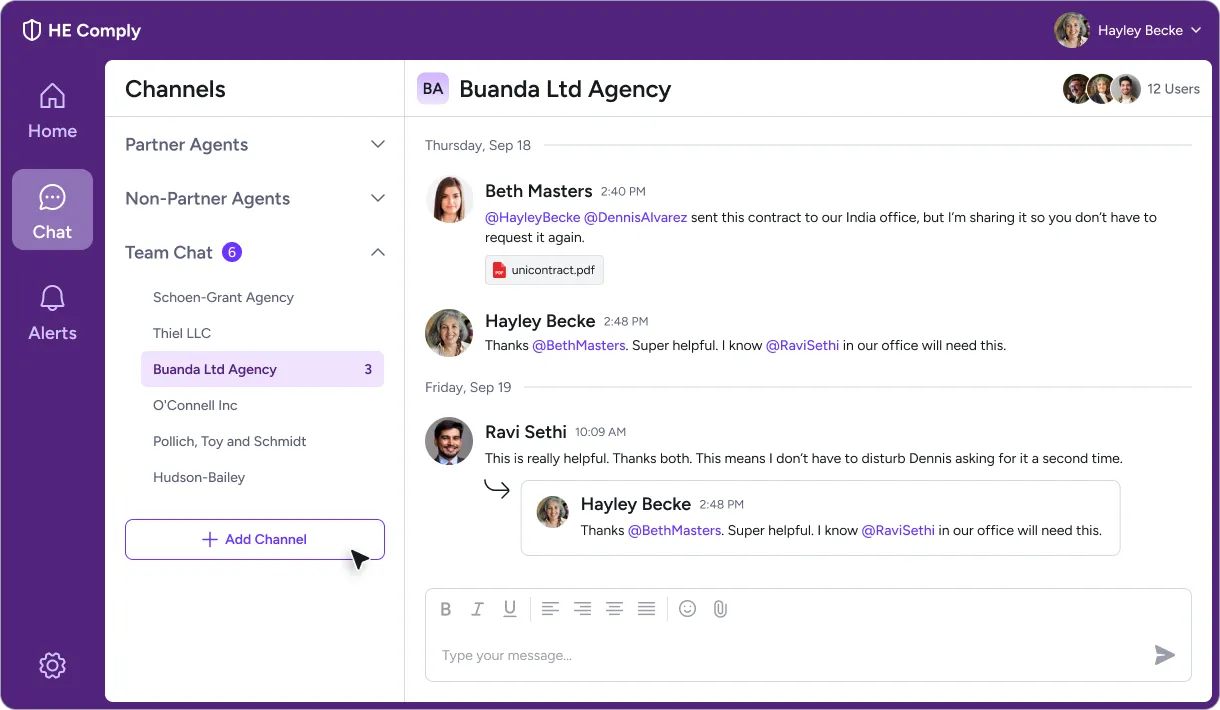
Designed to make your agent operations simpler
Complex ESOS regulation requires new digital tools. Spreadsheets and email chains are fallible, and overstretched recruitment teams should be doing less admin, not more.
What you get
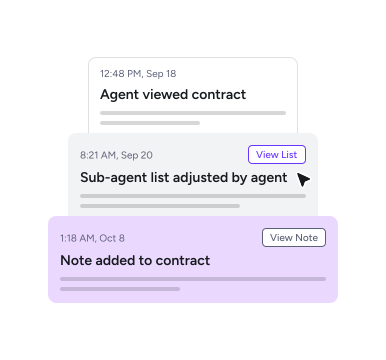
Import and manage your existing contracts securely. Share with colleagues and co-manage with agents.
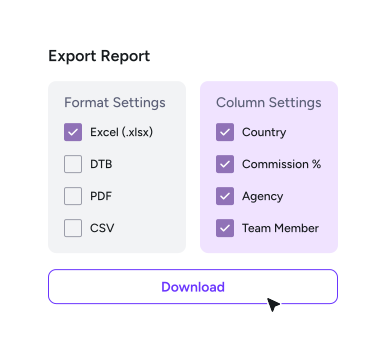
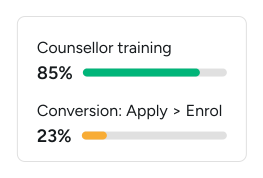
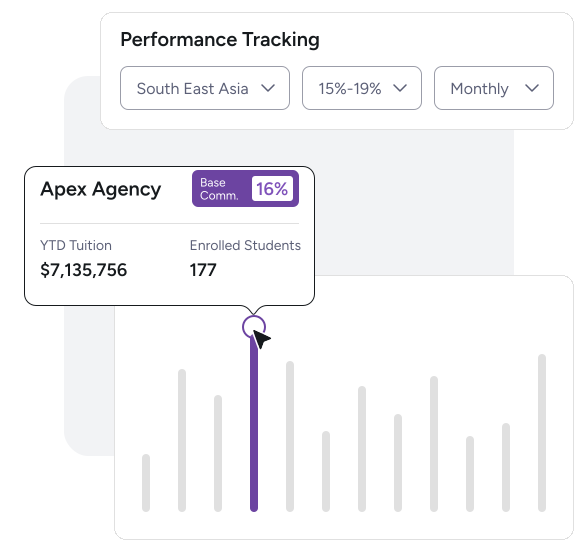
Export your commercial agent data in seconds and complete internal audits quicker than ever.
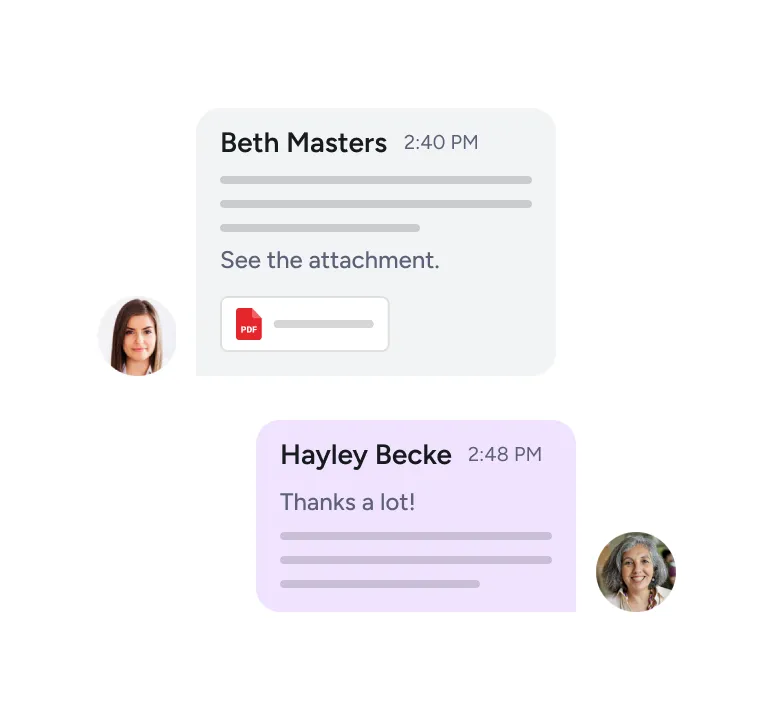
Chat with colleagues and agents inside the platform. Share documents quickly and securely.
The fastest way for providers to achieve ESOS compliance

Relevant contract data is held securely in Australia or the EU when required.

Share crucial data with coworkers to maintain auditable transparency.

Contracts and associated user data are encrypted in transit and at rest, and data is not held or used to train our AI model.
FAQs
Agent agreements may define commission terms, renewal dates, bonus arrangements, territories, approval rights, and partner obligations. When those contracts sit across inboxes, shared drives, and spreadsheets, teams waste time finding information and risk acting on outdated terms.
HE Comply gives your team one place to manage contract records, approvals, renewals, and activity history. That helps reduce admin and improve accuracy, and gives leaders clearer visibility over agent partnerships and commercial performance.
You decide who can access each contract and what they are allowed to do. International Office staff can manage agreements day-to-day and senior leaders can be given full visibility where needed.
Approvers such as a CFO, COO, or delegated manager can review new or renewed contracts before they are released for digital signing. Contracts can also be shared selectively with individual staff, and you can choose whether agents see the same agreements.
Yes. HE Comply is GDPR compliant. Relevant contract data is stored securely using AWS and DocuSign infrastructure, with encryption in transit and at rest. Australian users’ data is held onshore in AWS Sydney, and all accounts come with multi-factor authorisation.
We do not use your commission values or contract data for AI training. HE Comply is designed to be significantly more secure than the common practice of sharing contract files by email.
Yes. Each contract includes activity history so your team can see who initiated, reviewed, signed, managed, viewed, or updated an agreement.
This reduces the need to rebuild records manually from emails and folders. It also gives teams cleaner evidence for internal reporting, ESOS compliance reviews, and partner management.
Senior users on some accounts can also see collated views of all account activity across contracts, users, and markets.
After an initial discussion and demo, setup usually takes 20–30 minutes. This includes uploading your first contracts.
No on-premise installation is required.
We support users step by step and can provide one-to-one onboarding to help your team import contracts, configure permissions, and start managing agreements quickly.
Yes. We can connect with existing data sources on request to support richer reporting and reduce duplicate work.
We integrate with all Enterprise users' chosen system(s).
Many teams choose to start without integration by importing contracts directly and managing agreements inside HE Comply.
Yes. HE Comply helps you import existing agreements quickly using an AI-assisted workflow. This gives your team a cleaner starting point without manually rebuilding every contract record.
We advise loading max. 40-50 at one time; this takes around 2 minutes for our AI to structure and you can the check details and confirm upload. Manual quality assurance tools are provided for users.
Users can also add related documents and nest these with contracts. For example, due diligence documentation or certificates of representation.
Many agents use our platform to manage their agreements with universities and colleges.
When an agency partner invites you to co-manage your agreement, it is important to join via the unique link inside that email. This ensures your account is linked to the agency's account upon joining, and that your contract is visible to you.
It is free to co-manage agreements where the partner agency has invited your institution.
Worth knowing: agents can issue two types of invitation to university partners:
i) to create an account and link here in HE Comply (with no contract shared), and
ii) an invitation to co-manage your contract.
In both instances, use the invitation link in the email to create your free account.